

How Performance Max Transformed Our Google Ads: What We Learned From Running Our First Campaign
Performance Max (PMax) represents the next evolution of Google Ads, offering advertisers an all-in-one, AI-driven approach that reaches customers across every Google channel. At BlinkJar Media, we initially kept our distance from PMax. It felt too automated, too opaque, and too risky. Google Search, display, and video campaigns were already delivering results, so we were comfortable staying the course. However, curiosity and our desire to test everything that could benefit our clients ultimately prevailed. Within one week of launching our first PMax campaign, our lead volume had doubled.
That single week completely changed our entire perspective. Here’s what we learned and the framework we now use to maximize the benefits of PMax.
How to Make Performance Max Campaigns Work for Your Business
We started by ensuring ourconversion tracking was airtight. We optimized for our highest-value action, a qualified lead, not just clicks or low-intent form fills. Feeding clean, accurate data into PMax enabled the AI to learn faster and optimize for results that truly mattered.
Instead of grouping all creatives together, we built separate asset groups for each audience signal and service category. This provided Google’s AI with clearer signals, enabling it to match creative content with the correct search intent and placement.
PMax runs across Search, Display, YouTube, Gmail, and Discovery. If you skip formats, you limit its reach. We saw improved ad strength and performance when we uploaded at least one high-quality video for each asset group.
Recent updates allow you to add negative keywords at the campaign level and prioritize new customer acquisition. We used both, excluding low-quality search terms and signaling that we wanted leads, not just repeat customers.
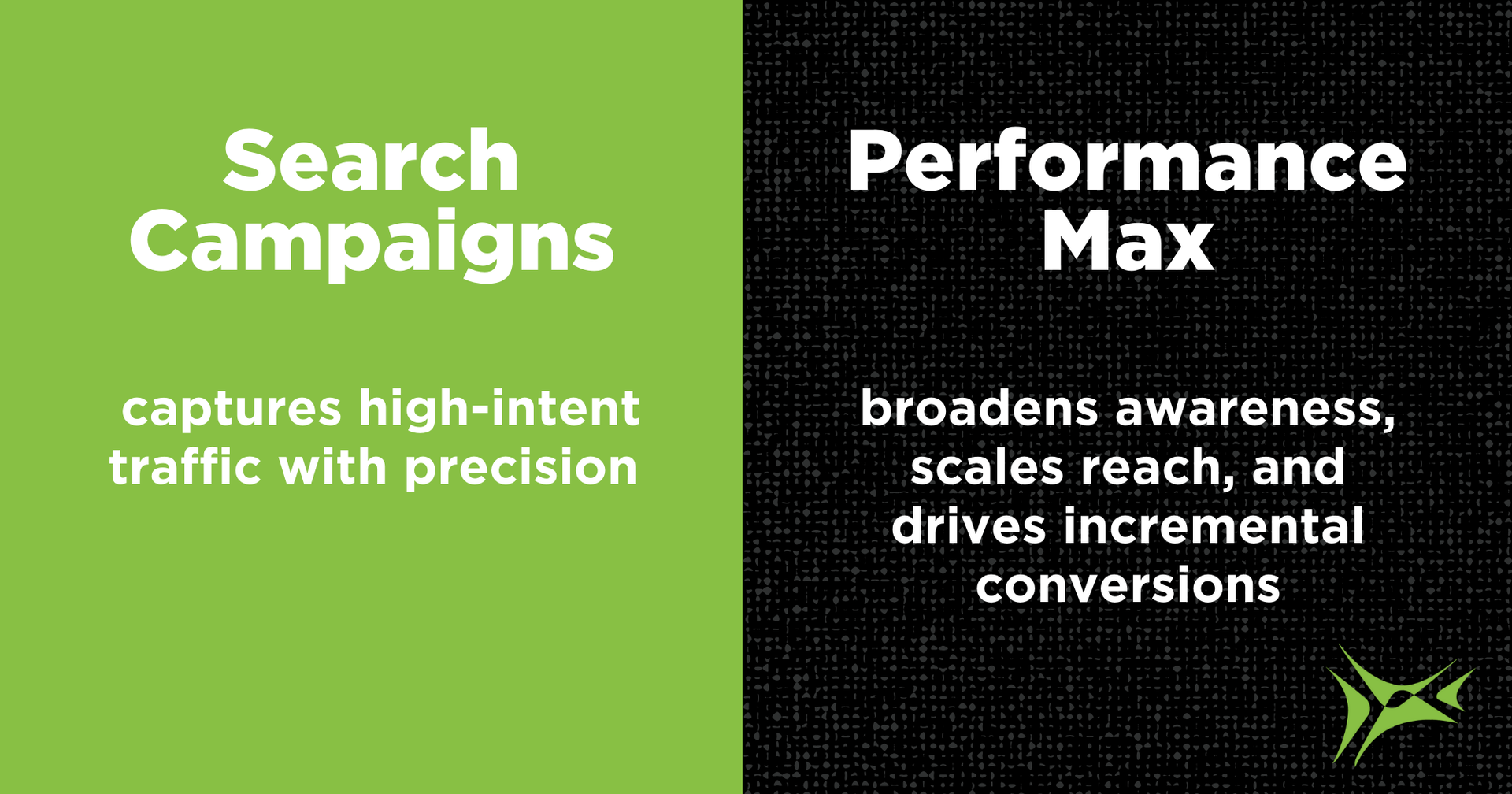
We didn’t replace Search; we supplemented it. Our exact and phrase match search campaigns continued to capture high-intent traffic, while PMax expanded its reach into channels and placements we hadn’t previously explored.
How to Use PMax Reporting for Better Insights and Control
While Performance Max is automated, it’s not a hands-off approach. Every week, we host a Google Ads team huddle to review campaign activity. We analyze:
- Asset performance by channel
- Search term reports for what to add or exclude
- Creative performance and opportunities for updates
- Conversion quality and lead source trends
Alongside these manual reviews, we also rely on custom Google Ad scripts to automatically monitor budgets and send alerts when thresholds are hit. This structure enables us to fine-tune PMax campaigns while leveraging the AI’s reach and automation.
When to Use Performance Max Campaigns—and When to Avoid Them
PMax works best when you:
- Have reliable conversion tracking in place
- Want to expand reach beyond Search campaigns
- Can provide strong creative assets across all formats
- Review campaign performance regularly
- Are targeting lead generation or e-commerce with conversion goals
PMax is less effective if:
- You don’t have meaningful conversion data for it to optimize toward
- You can’t commit to creative updates or asset testing
- You want full control over placement and keyword-level bidding
Why Performance Max Needs Quality Data and Simple Structure to Succeed
One of the most important lessons we learned is that PMax rewards clarity. If you give the system clean data and a clear structure, it responds quickly.
We refined our Google assets, ensured consistent naming conventions, and focused on high-quality conversion events. This simplified structure helped us scale leads without bloating or budget misalignment.
“When I first started managing Google Ads at BlinkJar, I was taught to avoid Performance Max. But if you know me, you know I can’t resist testing new features. 🙂 After launching our first PMax campaign, leads doubled in just one week, and our doubts disappeared. Seeing instant results with high-quality leads completely changed our perspective.” - Rikki Broussard, BlinkJar Media
Performance Max is more than a new campaign type. It offers a smarter way to approach Google Ads. When set up correctly, it can uncover new lead opportunities while keeping your ad spend efficient.
The best way to get started is with one well-structured campaign. Give it clean conversion data and review the results each week. You may find the payoff is bigger than you expected, just as we did.